Digital minimalism is one of the defining lifestyle shifts of 2026. A simple step-by-step plan to declutter your phone, quiet notifications and make screen time feel intentional.
If your phone is the first thing you touch in the morning and the last thing you see at night, you are far from alone. In 2026, digital minimalism, the practice of using technology deliberately rather than by default, has become one of the most talked-about lifestyle trends. It does not mean throwing your phone away. It means deciding what deserves your attention and removing the rest. This guide gives you a simple seven-step plan you can start today.
What digital minimalism actually means
Digital minimalism is a philosophy of choosing a small number of tools and apps that clearly support what you value, and dropping the rest. Instead of asking whether an app might be useful, you ask whether it is the best way to get something you care about. The goal is not less technology for its own sake, but more focus, more presence and more time for the things that matter to you.
A seven-step plan to declutter your phone
1. Check your real screen time
Open the screen time or digital wellbeing section in your phone settings and look at last week. Note the three apps that take the most time. Awareness alone often changes behaviour.
2. Delete what you have not used in a month
Go through every app. If you have not opened it in thirty days, remove it. You can always reinstall it later, and most of the time you will not.
3. Turn off nearly all notifications
Keep notifications only for people: calls and messages from family, friends and work. Switch off everything from shops, social media, games and news. Notifications are designed to pull you back in, and removing them is the fastest way to regain control.
4. Redesign your home screen
Keep only tools on the first screen: maps, camera, notes, calendar, banking. Move social media and entertainment into a folder on the last page, or search for them when you need them. Making an app slightly harder to open reduces mindless scrolling.
5. Create screen-free zones and times
Decide that the bedroom, the dining table and the first thirty minutes after waking are phone-free. Buy a cheap alarm clock so your phone can charge in another room.
6. Replace, do not just remove
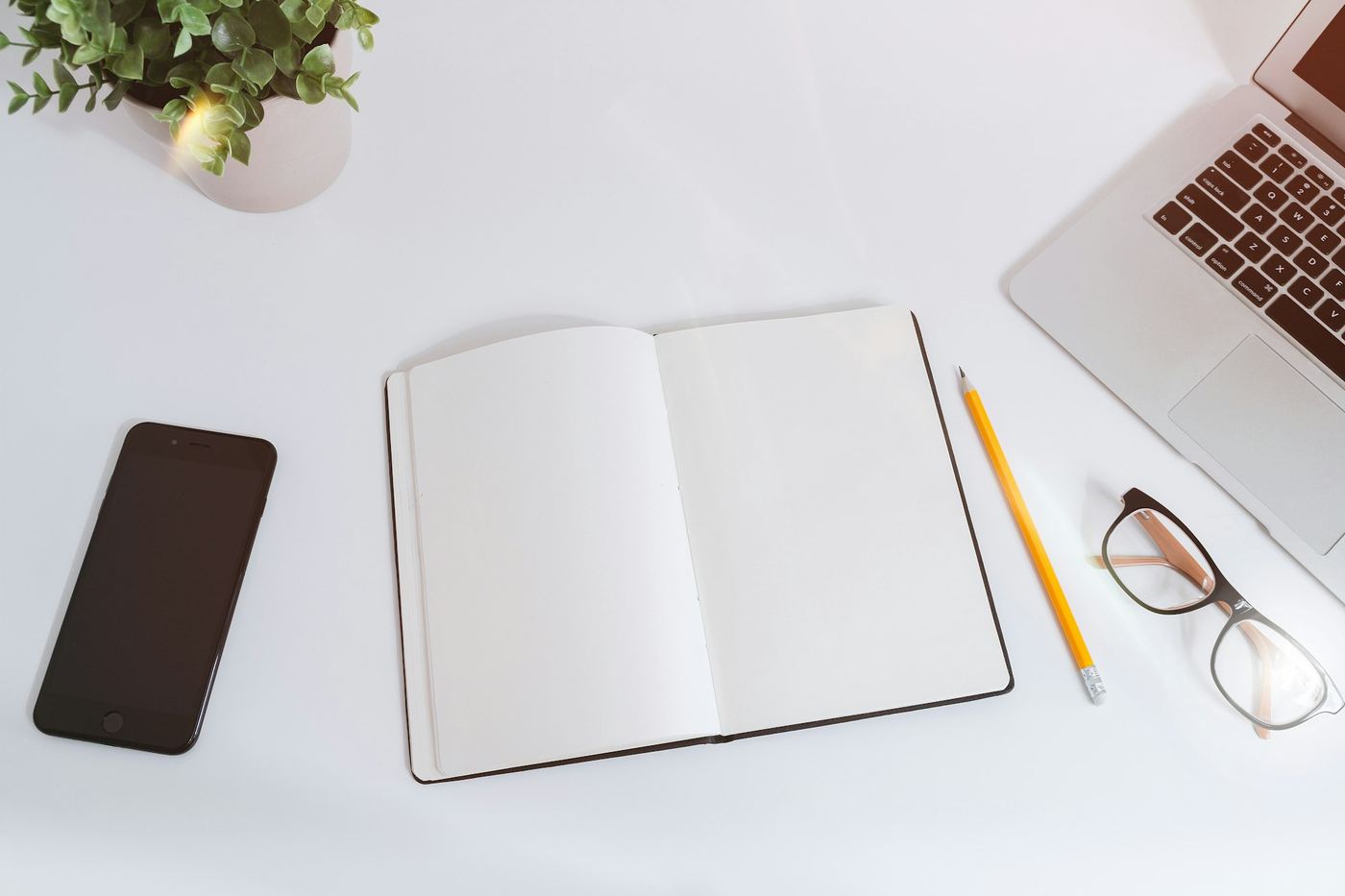
Empty time gets refilled by the old habit unless you plan something better. Keep a paper book, a sketchbook or a notebook where your phone used to sit. Tactile hobbies such as knitting, cooking, journaling and gardening are popular precisely because they occupy your hands and mind at the same time.
7. Review once a week
Each Sunday, spend five minutes looking at your screen time and deciding what to adjust. Digital minimalism is a habit, not a one-off clean-up.
Make your home support the habit
Your space can help. A basket by the door for phones, a reading chair with good light and a table with a few books all invite you to put the screen down. If you are rethinking your rooms, see our guide to quiet luxury home decor for ideas on calm, uncluttered spaces.
Common questions and obstacles
Many people worry about missing something important or being unreachable. In practice, keeping calls and messages from real people switched on solves most of this. If you use social media for work, set specific times to post and reply rather than checking all day. Start with one change this week, such as turning off notifications, and add the others gradually.
The takeaway
Digital minimalism is not about perfection. It is about noticing where your attention goes and choosing it on purpose. Begin with notifications and your home screen, and build from there.
Frequently asked questions
What is digital minimalism?
Digital minimalism is a way of using technology intentionally. You keep only the apps and tools that clearly support your values and remove the rest.
How do I start digital minimalism?
Check your screen time, delete unused apps, turn off non-essential notifications and keep your phone out of the bedroom. These four steps make the biggest difference.
Do I need to quit social media?
No. You can keep it, but set specific times to use it, remove it from your home screen and turn off its notifications.


